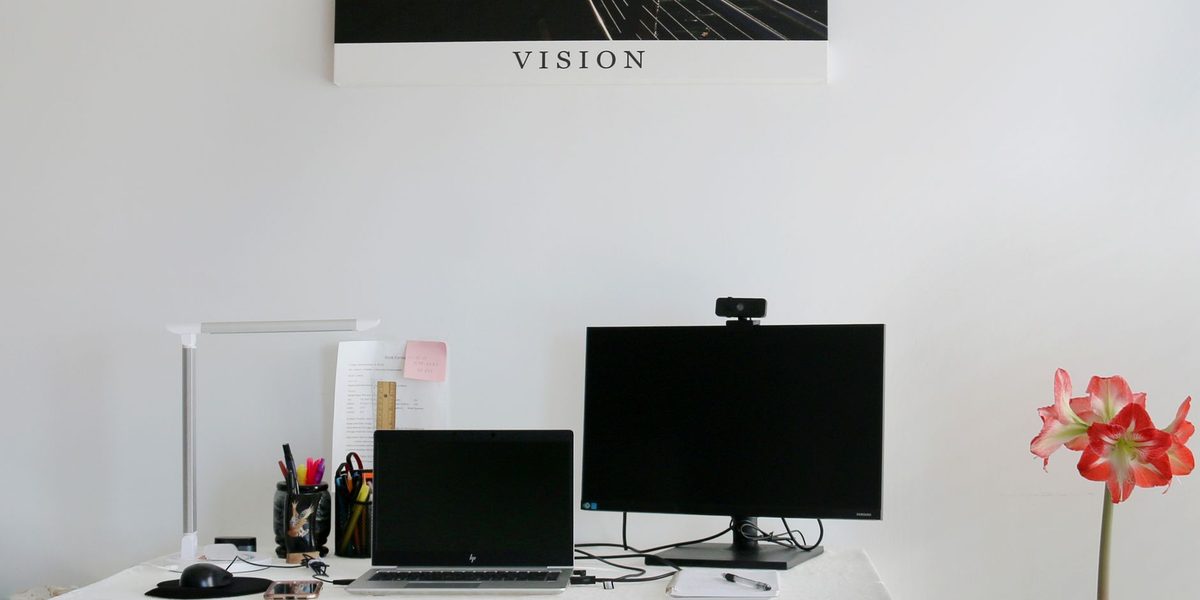
Somewhere between the tenth and the ten-thousandth video call, most people catch an unflattering glimpse of their own square: a dim, grainy figure lit from below like a campfire story, sounding like they are calling from inside a filing cabinet. The gadget industry has a ready answer, external webcams, desktop microphones, lights on articulated arms, and an enthusiastic community insisting you need all of it. The honest truth is more selective. Some upgrades transform how you come across for modest money, others are vanity purchases for all but a few professions, and the single most powerful improvement is barely a gadget at all. Here is a fair sorting of what matters, for whom, and in what order.
Start With the Uncomfortable Truth: Audio Beats Video
If you upgrade only one thing, upgrade sound, because the psychology of calls is lopsided: people will forgive a soft, dim image for an entire meeting, but bad audio, echo, boominess, dropouts, keyboard clatter, exhausts listeners within minutes and makes you literally harder to understand. Your ideas land through your voice, and every distraction layered on top of it costs you credibility by the minute. A merely adequate camera with clear, close, natural sound reads as professional; a gorgeous image with hollow room echo reads as amateur theater.
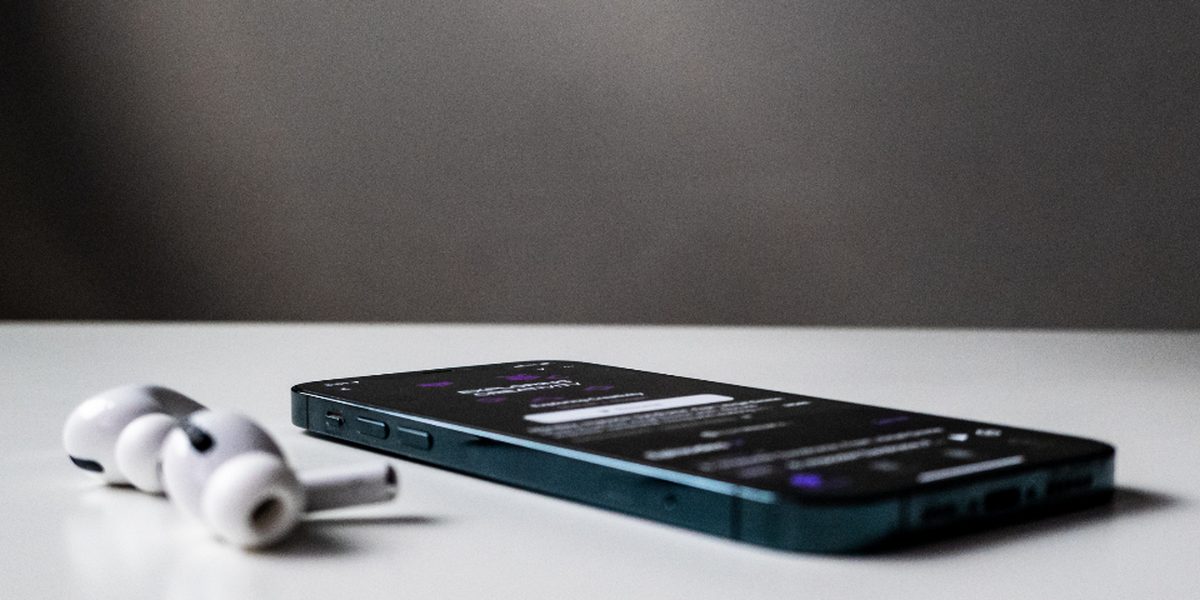
The fixes ascend in cost. Free: take calls in a smaller, softer room, since bare walls and hard floors create the echo chamber effect, and mute when not speaking. Cheap: any wired headset or the earbuds you already own place a microphone near your mouth, which solves most distance-related boominess instantly. Moderate: a dedicated desktop microphone adds warmth and presence that built-in laptop mics cannot match, and is the upgrade voice-heavy workers notice most. For most people, the earbuds step alone closes the majority of the gap.
Lighting Matters More Than Megapixels
Here is the secret the webcam market would rather not lead with: most bad video is not a camera problem, it is a light problem. Cameras, all cameras, produce grainy, muddy images in dim rooms and clean, flattering ones in bright rooms. The dramatic difference between a haggard Monday square and a polished one is usually a window's position, not a sensor's quality. Face a window and your existing camera improves beyond what any reasonably priced hardware swap could achieve; sit with the window behind you and no camera on earth will rescue the silhouette.
The upgrade ladder for light: first, rearrange, putting the brightest source in front of your face, never behind it. Second, add a simple desk lamp aimed at your face or bounced off the wall behind the screen, which softens shadows for pocket change. Third, if calls are a serious part of your professional identity, a purpose-made soft light on a small stand gives consistent, flattering illumination at any hour. Only after light is handled does camera hardware deserve a dollar, because a better camera in a dark room is a sharper picture of the darkness.
When an External Webcam Actually Earns Its Price
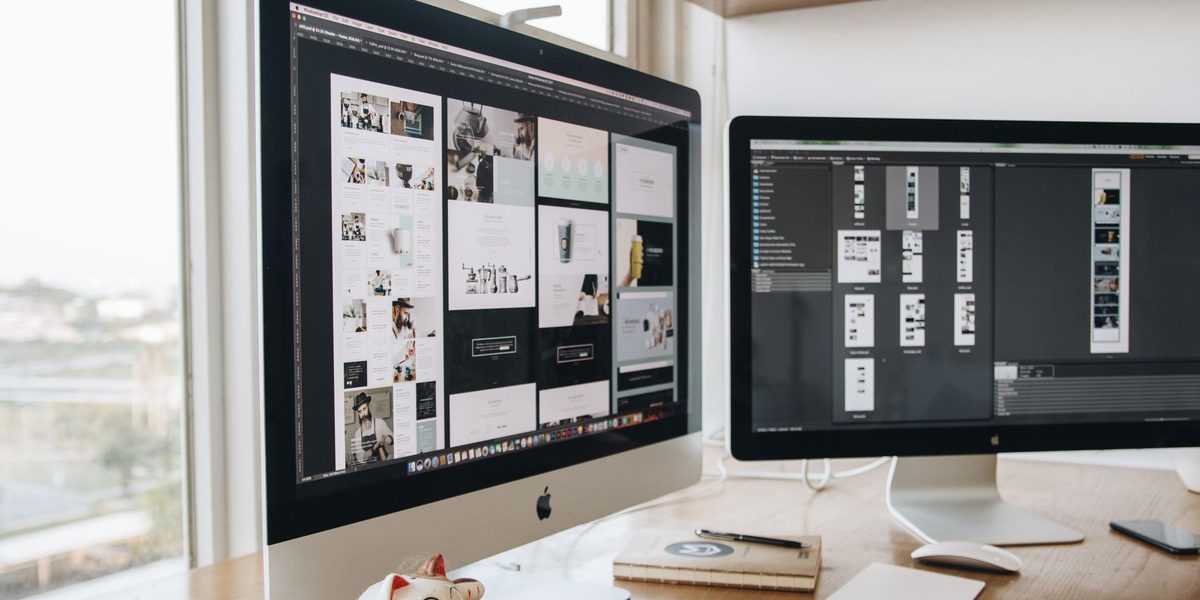
Built-in laptop cameras have improved, and in good light the recent ones are genuinely serviceable. External webcams earn their price in specific circumstances: an older laptop whose camera was an afterthought, a desktop setup with no camera at all, a monitor-and-docked-laptop arrangement where the laptop sits closed or off to the side, or a face that spends hours in high-stakes client-facing meetings where polish quietly matters. External cameras also solve the angle problem, sitting at eye level atop the monitor rather than staring up from desk height, and the eye-level angle alone is worth more than the resolution bump.
What to look for is mercifully simple: solid low-light behavior, autofocus that does not hunt, a field of view narrow enough to show you rather than your entire kitchen, and a physical privacy shutter. Resolution beyond the mainstream tier is largely wasted, since video calls compress everything to the connection's limits anyway; nobody on the other end experiences your extra pixels, only your light and your angle.
The Upgrades Ranked by Value
Pulling the whole toolkit into one honest hierarchy:
- Free and transformative: face the window, raise the laptop so the camera meets your eyes, take calls in soft-furnished rooms, and mute ruthlessly.
- Cheap and huge: wired earbuds or any headset for the microphone-near-mouth effect; a desk lamp repositioned for your face.
- Moderate and noticeable: a desktop microphone for voice-forward roles; an external webcam for eye level and better glass; a soft light for consistency after dark.
- Expensive and niche: broadcast-style microphones with arms, interface boxes, and camera rigs, justified for streamers, podcasters, and people whose face and voice are the product.
The pattern is plain: posture, placement, and light, the nearly free layer, deliver most of the result, and each paid tier above it serves a progressively smaller audience. Climb only as far as your calls actually demand.
Who Can Skip All of It
Plenty of people can close this tab and spend nothing. If your calls are internal, occasional, and camera-optional; if your laptop is recent and your desk faces a window; if your earbuds already handle the microphone duty, then congratulations, you have a perfectly professional setup, and further spending is hobby, not necessity. The upgrade conversation is really for the people whose weeks are shaped by calls: managers, salespeople, teachers, consultants, interviewers and interviewees, and anyone building an audience through a lens. For everyone else, the built-in hardware plus good habits is not a compromise; it is the correct answer.
A note of reassurance for the self-conscious: research on how we perceive ourselves on screen suggests everyone judges their own square far more harshly than colleagues do. Before buying confidence, try turning off self-view; it is free and surprisingly effective.
If You Do Upgrade, Buy in the Right Order
For the call-heavy professional ready to invest, sequence beats splurging. First call: fix light and camera height, costing nothing. Second: solve audio with a headset or desktop microphone, the most-noticed paid upgrade. Third: an external webcam at eye level with a privacy shutter. Fourth: a proper soft light for rooms and schedules that daylight cannot cover. Stop at the tier where your calls stop being a problem, and resist the streamer-equipment gravity well unless streaming is genuinely the goal, because past that point you are furnishing a studio, not attending meetings. Test each change on a recorded call before buying the next; your own eyes and ears, reviewing actual footage, are the only spec sheet that counts.
While you are recording that test, glance past yourself at the frame. A tidy, slightly blurred background, a camera far enough away to show shoulders rather than pores, and your eyes in the top third of the picture do more for the overall impression than another hundred dollars of glass. Software background blur has become good enough to paper over most rooms, and it is free, which fits the theme of this entire subject.
Final Thoughts
Are webcam and microphone upgrades worth it? For the occasional caller with a modern laptop, no, better habits and a window deliver everything hardware promises. For the professional who lives on calls, selectively yes, and in a strict order the marketing never mentions: light and angle first, audio second, camera third, studio gear almost never. The upgrade that matters most costs nothing and takes a minute, which is exactly why nobody sells it to you. Sound close and clear, sit in the light, meet the lens at eye level, and you will out-present rooms full of expensive equipment pointed at poorly lit faces.